Do you run a restaurant in Liverpool and struggle to get your table bookings to match your food quality?
You aren’t alone. Whether you run a local takeaway or high end restaurant in city centre, competition is fierce. The good news is that you don’t need to be a technical wizard to rank better on Google.
In this guide, we will show you how to improve your Restaurant SEO in Liverpool to get more tables booked directly from Google.
Why SEO Matters for Liverpool Restaurants
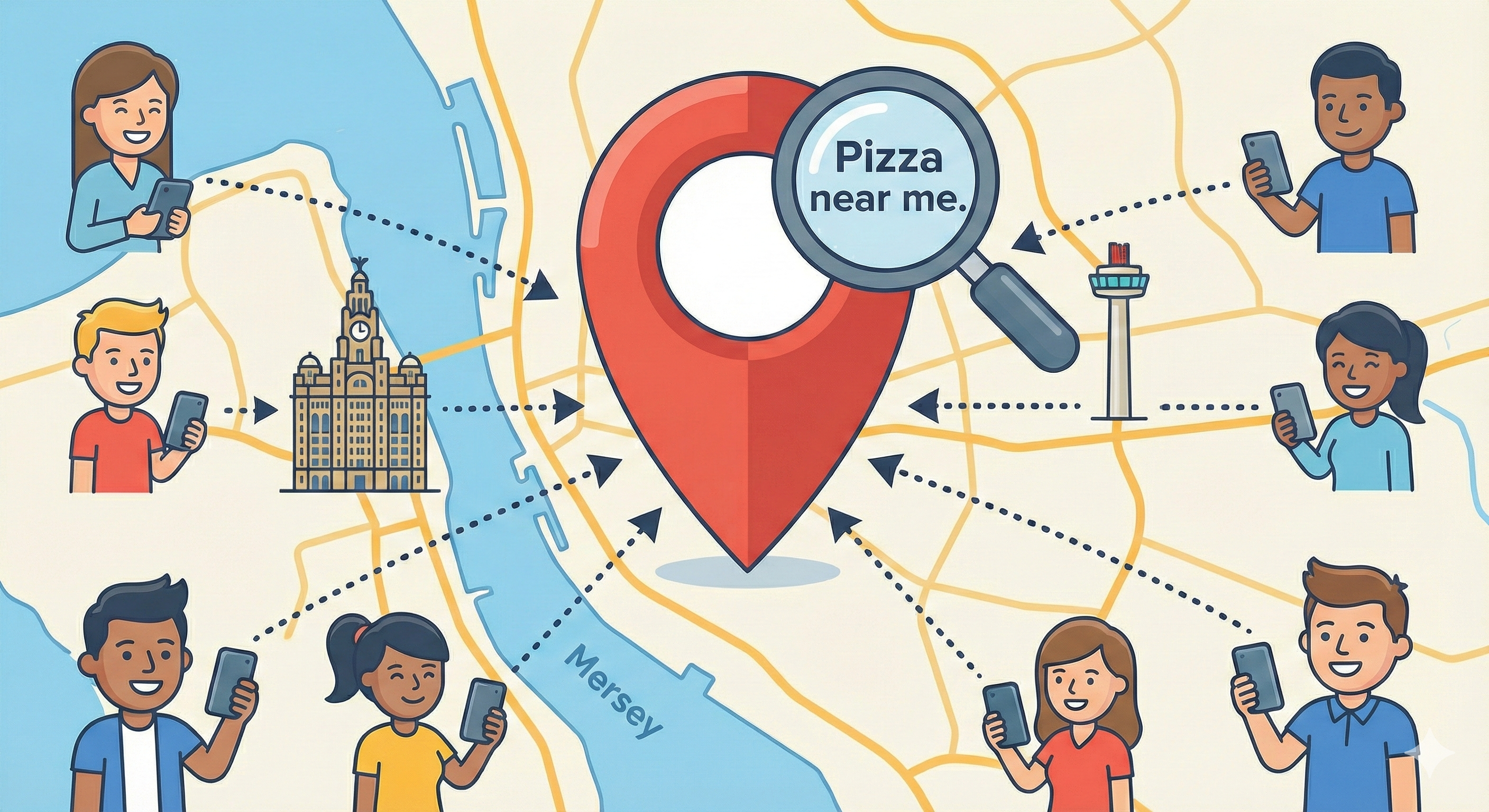
Most diners today start their journey with a search like “best Italian restaurant in Liverpool” or “places to eat near me.”
If you aren’t showing up in those results—specifically in the Map Pack (the map listings at the top)—you are losing customers to the venue next door.
Google’s guidance is simple: build content that helps people first, not search engines.
To succeed, you generally need to focus on three core areas:
- Your Google Business Profile (Your map listing).
- A Website that makes booking incredibly easy on mobile.
- Real Reviews and a menu that Google can actually read.
Here is the step-by-step guide to fixing your SEO and getting more covers.
Quick Checklist: Are You Ready?
Before we dive into the details, check if you have the basics covered:
- [ ] Does your website have a clear “Book a Table” button?
- [ ] Is your menu a real webpage (not just a PDF)?
- [ ] Is your Google Business Profile updated with the correct opening hours?
- [ ] Does your site load quickly on a mobile phone?
If you answered “No” to any of these, keep reading.
Step 1: Optimize Your Google Business Profile
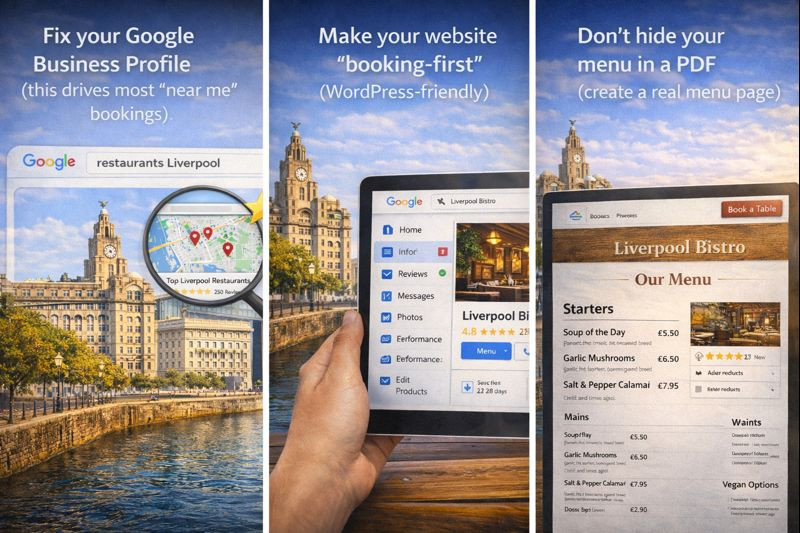
For a local business, your Google Business Profile (GBP) is often more important than your website homepage. This is what drives the majority of “Near Me” bookings.
1. Add Your Booking and Menu Links Google allows you to add specific links for actions. Don’t make customers hunt for them. ensure your “Menu” link goes directly to your menu page, and your “Booking” link opens your reservation system immediately.
Note: You can manage these links directly in your Business Profile dashboard.See Google’s Guide on Links.
2. Accuracy is Key Ensure your Name, Address, and Phone number (NAP) are exactly the same on Google as they are on your website. Inconsistent data confuses Google and can hurt your rankings.
3. Upload Fresh Photos Diners eat with their eyes. Upload high-quality, real photos of your food, your team, and the interior atmosphere.
Pro Tip: Don’t just upload photos once. Add new photos weekly. Regular activity shows Google your business is alive and active.
Step 2: Make Your Website “Booking-First”
Your website has one main job: To convert a visitor into a booking.
Many Liverpool restaurants make the mistake of having beautiful, artistic websites that are impossible to use.
Where to place your booking button:
- The Header: It should be visible on every page.
- Above the Fold: Put a button near the top of the homepage so users don’t have to scroll.
- Sticky on Mobile: If your WordPress theme supports it, keep the “Book Now” button stuck to the bottom of the screen on mobile devices.
Step 3: Stop Using PDF Menus (Do This Instead)
This is the most common SEO mistake restaurants make.
If your menu is a PDF or a photo of a physical menu, Google cannot read the text inside it. This means if someone searches for “best Scouse in Liverpool” or “Vegan Sunday Roast,” Google might not know you serve it.
The Solution: Create a dedicated WordPress page for your menu.
- Type out your items as text.
- Use Headings (H2 and H3) for sections like Starters, Mains, and Desserts.
- Add short, tasty descriptions.
Why this helps: It allows you to naturally include phrases people search for, such as “gluten-free options” or “pre-theatre dining,” without it looking like spam.
Step 4: Create Local Content (The Safe Way)
You want to rank for Liverpool-specific terms, but you must avoid “Doorway Pages.” These are low-quality pages created just to rank for specific keywords (e.g., creating 50 pages for every street in Liverpool).
How to do it right: Create one strong “Location” or “Contact” page that includes genuinely helpful local info.
- Parking: Tell guests where to park (e.g., “Nearest parking is at Q-Park Liverpool ONE”).
- Landmarks: Mention nearby attractions (e.g., “Perfect for dinner after a show at the Empire Theatre”).
- Transport: Mention the nearest Merseyrail station.
This helps Google understand exactly where you are located and connects you to the local area relevantly.

Step 5: Get More Reviews (Without Breaking Rules)
Reviews are a massive ranking factor. However, Google strictly prohibits incentivized reviews. You cannot offer a free dessert or a discount in exchange for a review.
The Best Strategy:
- Ask verbally: Train staff to ask happy customers, “If you enjoyed your meal, would you mind leaving us a quick review on Google?”
- QR Codes: Place a small, tasteful card with a QR code on the table or bill folder that links directly to your Google Review form.
- Reply to everyone: Reply to every review, positive or negative. Keep it short, professional, and human.
Step 6: Speed and Technical Basics
A slow website kills bookings. If your site takes 5 seconds to load on 4G, the customer will hit “Back” and go to your competitor.
Beginner Fixes:
- Compress Images: Large food photos will slow down your site. Use a plugin to compress them automatically.
- Check Core Web Vitals: Use PageSpeed Insights to see how Google views your speed.
Bonus: Restaurant Schema Structured Data (Schema) is code that helps Google understand your business hours, menu, and pricing.
If you are not technical, the easiest way to add this is by using a reputable WordPress SEO Plugin. Look for the “Local SEO” settings and fill in your restaurant’s details there.
Conclusion: Track Your Success
You can’t improve what you don’t measure. Ensure you have Google Search Console and Google Analytics set up.
Check them once a month to answer:
- Which food items are people searching for to find us?
- How many people clicked the “Book a Table” button?
By following these simple steps, you will move ahead of the vast majority of Liverpool restaurants that are still relying on PDF menus and outdated listings.
Need Help Managing Your Restaurant Website?
We know that running a busy kitchen and front-of-house leaves very little time for technical website updates. You should be focusing on your food, not on fixing broken links or resizing images.
At L1webtips.com, we specialize in helping local businesses grow online without the high agency fees.
We offer affordable Monthly Support Packages starting at just £50. We handle the SEO, the updates, and the technical improvements for you, so your site keeps bringing in bookings while you sleep.
Ready to get started?
Click here to visit our Contact Us page and let’s chat about your website.