Picture this: You walk into your office tomorrow morning. You fire up your laptop with your morning coffee. The screen stays black. Or worse, a bright red screen pops up demanding Bitcoin to unlock your files.
Your client list? Gone. Your accounts? Inaccessible. Years of hard graft? Vanished into the digital ether.
Most business owners in Liverpool reckon “it won’t happen to me.” That is a catastrophic bet to make. If you don’t have a backup strategy, you are driving down the Strand with a blindfold on.
You don’t need a massive IT department. You need a simple system that works while you sleep. Let’s get this sorted, right now.
🚨 The Cold Hard Fact: 60% of small companies that lose critical data go out of business within 6 months. Don’t be a statistic.
Why Backups Fail (And Why You Should Care)
Data loss isn’t a possibility; it’s an inevitability. Hardware dies. People make mistakes. Criminals get smarter.
Here is what is coming for your data:
- Hardware failure: Hard drives have a 100% failure rate eventually. It might be today, it might be next year.
- Ransomware: Digital muggers encrypt your files and hold them hostage. According to the National Cyber Security Centre (NCSC), small businesses are a prime target.
- The “Oops” moment: Accidental deletion. We’ve all hit ‘Delete’ on the wrong folder.
- Physical disaster: Fire, flood, or a burst pipe in the ceiling.
- Theft: Someone breaks in and nicks the server or laptops.
The 3-2-1 Rule: The Holy Grail of Backups
Don’t overcomplicate this. Security pros worldwide swear by the 3-2-1 rule. It’s the gold standard for a reason.
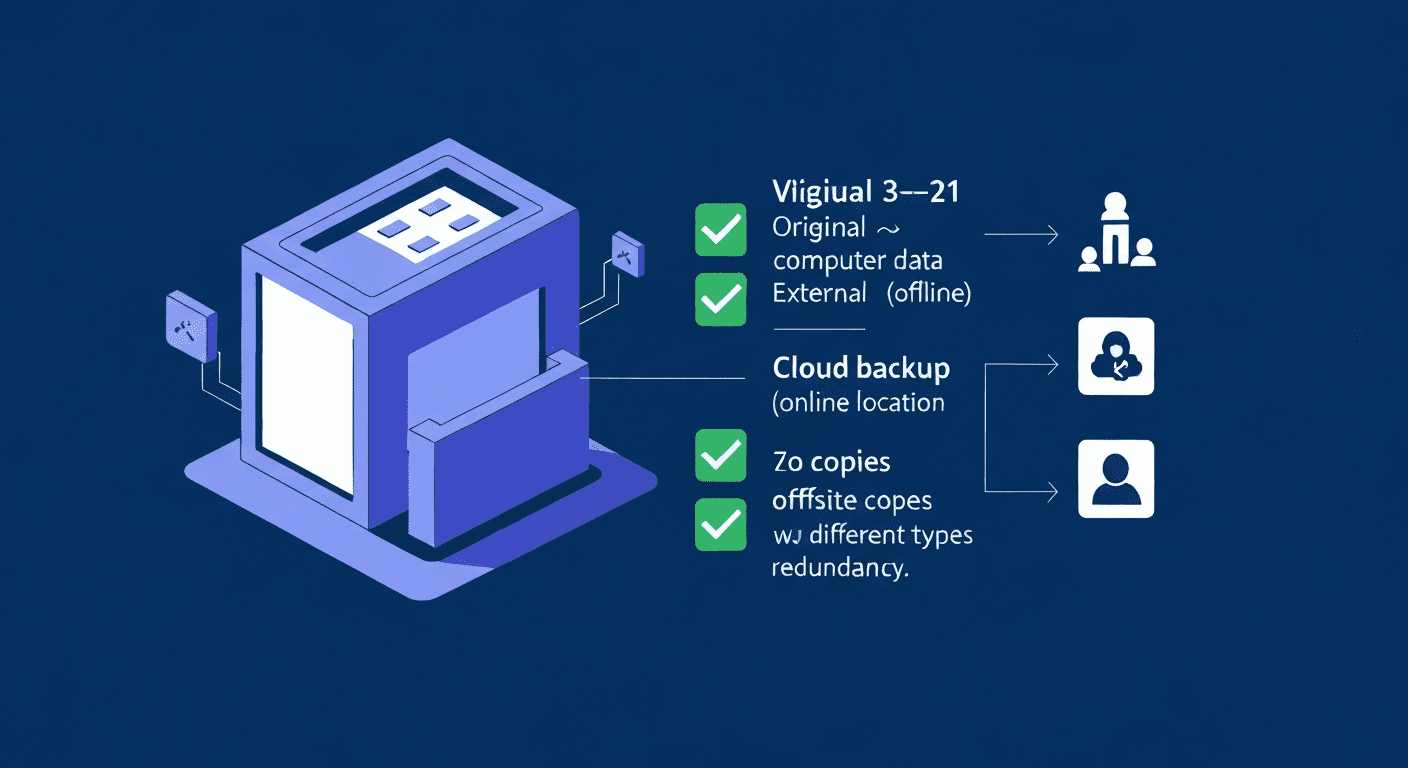
- 3 Copies of your data: Your live version + 2 backups.
- 2 Different types of media: For example, the Cloud + a physical hard drive.
- 1 Copy kept offsite: Away from your office (e.g., in the cloud).
How This Looks in the Real World
- Copy 1: The files you are working on right now on your PC.
- Copy 2: An external hard drive on your desk (for fast recovery).
- Copy 3: A cloud backup (like Backblaze or OneDrive) that runs silently in the background.
Why this works: If your PC dies, use the external drive. If the office burns down, grab your data from the cloud. You are covered from every angle.
What You Need Based on Your Size
For the “One Man Band” & Micro Biz (1-5 staff)
- Get an automatic cloud tool.
- Buy a sturdy external hard drive for a weekly plug-in backup.
- Cost: £10-30/month. Less than a round of drinks on Seel Street.
For Growing Liverpool Agencies (6-20 staff)
- Centralised cloud backup for every machine.
- Specific backups for your customer databases (don’t rely on simple file sync).
- A dedicated NAS (Network Attached Storage) drive in the office.
- Cost: £50-150/month.
For Established Players (20+ staff)
- Enterprise-grade solutions.
- Strict Disaster Recovery (DR) protocols.
- Managed services (pay a pro to watch the blinking lights for you).
- Cost: £200+/month.
Best Tools for the Job
You have plenty of options. Here are the ones we trust:
- Backblaze: Best value. Unlimited storage, “set and forget”, stupidly simple.
- Google Workspace / Microsoft 365: Excellent for real-time collaboration, but ensure you configure retention policies correctly.
- Acronis: Best for security. Includes cyber protection & anti-ransomware features.
The Action Plan (Do This Today)
Stop procrastinating. Follow these five steps to secure your business.
Step 1: Know Where Your Gold Is
You can’t save what you can’t find. Locate your:
- Client lists (CRM data)
- Accounts (Sage, Xero exports, Invoices)
- Intellectual Property (Designs, plans, code)
- Legal contracts and HR files
Step 2: Pick Your Weapons
Sign up for a cloud service today. Order a 2TB external drive from Amazon or pick one up from a local electronics retailer.
Step 3: Automate Everything
Humans forget things. Computers don’t. Set your cloud backup to run daily. Configure your local drive to backup immediately when plugged in. Remove “human memory” from the equation.
Step 4: The Fire Drill (Test It)
⚠️ Crucial: An untested backup is just a wish. Try to restore a single file once a month. If you can’t restore it, the backup didn’t happen.
Step 5: Document It
Write down the passwords. Write down the “how-to.” If you get hit by a bus (or just take a long holiday), can your business partner access the data?
The Boring (But Legal) Stuff
We have to mention this. If you hold customer data—and you do—GDPR mandates that you must be able to restore access to personal data in the event of a technical incident.
If you lose client data with no backup, you aren’t just unlucky; you might be breaking the law. You can read more about your specific obligations on the Information Commissioner’s Office (ICO) website.
furthermore, check your Business Insurance. Many policies have a clause that says “No backup strategy = No payout.” Don’t give them an excuse to deny your claim.
Your 7-Day Action Plan
- Today: Audit your data. What files would force you to close if you lost them?
- Tomorrow: Sign up for a cloud backup service. Start the initial upload.
- Wednesday: Order your external hard drives.
- Thursday: Document your critical passwords and store them securely (Use a password manager like 1Password).
- Friday: Set up the local backup when the drives arrive.
- Next Week: Perform your first test restore. Open a file from the cloud to prove it works.
Final Thoughts
Your business isn’t the office walls or the logo above the door. It’s your data.
Disasters aren’t theoretical. Hard drives die every day. Laptops get stolen every day. A backup strategy isn’t paranoia—it’s professionalism.
Need help figuring out where to start? Check out resources from the Liverpool Chamber of Commerce for local support networks, or give us a shout.
Sort this out today. Your future self will thank you.